
Strategies
A strategy owns the webhook URL your alerts are sent to, its asset class, and the security and default settings for every account subscribed to it.
On this page
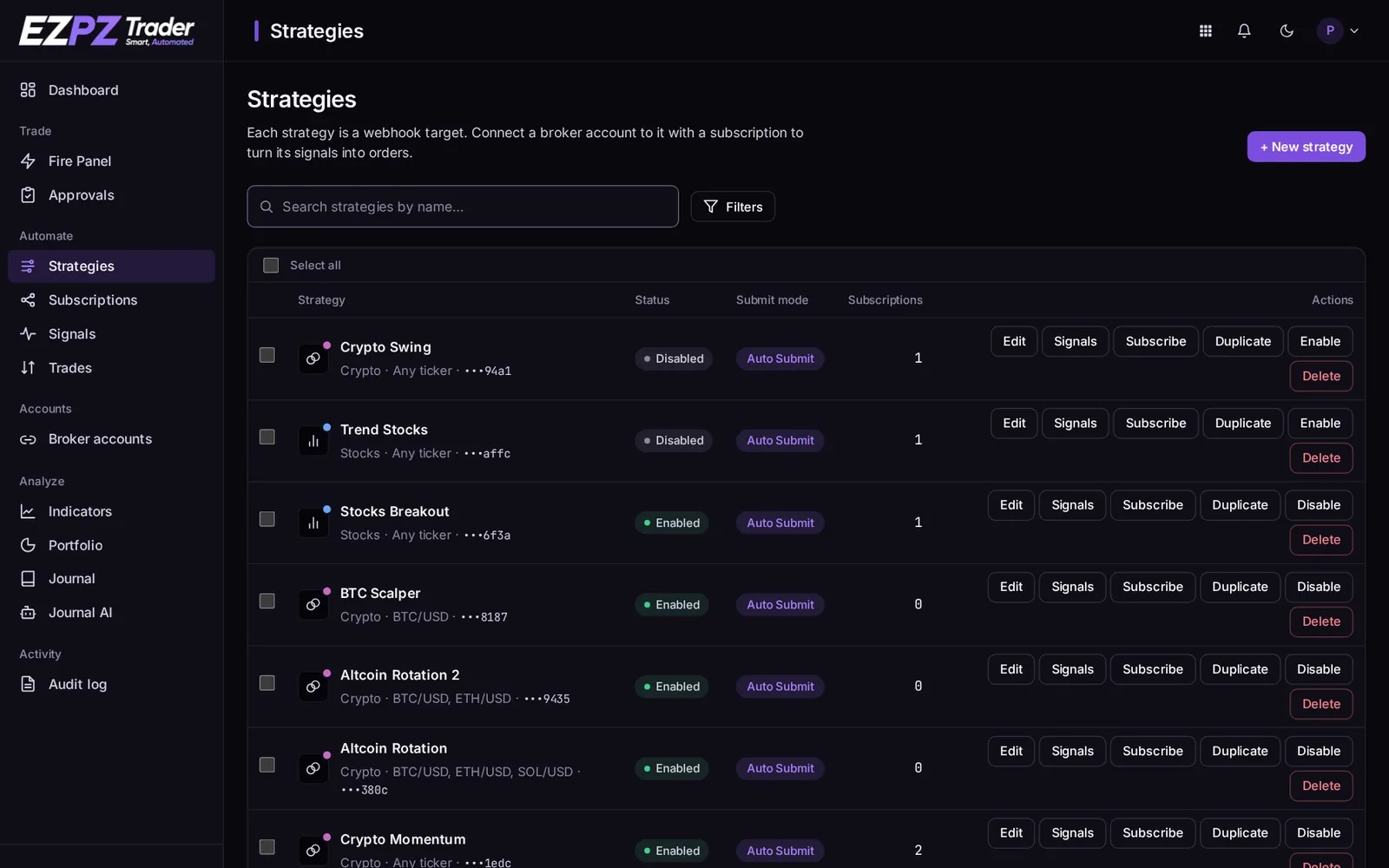
What a strategy is
A strategy is where signals arrive. It has one webhook URL, one asset class, and any number of subscriptions. Each subscription trades the strategy's signals on one broker account.
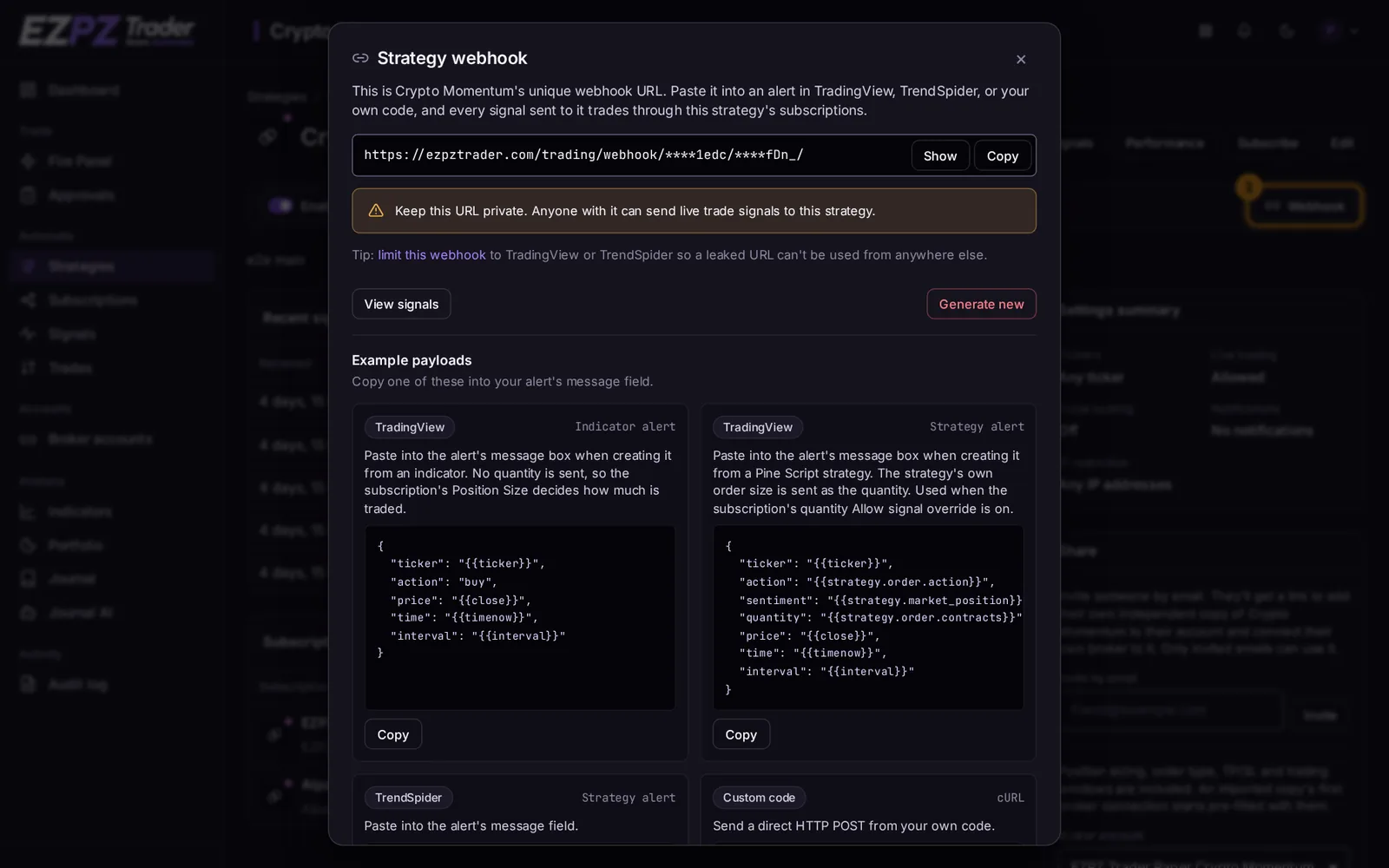
Webhook URL
Each strategy has its own URL:
https://ezpztrader.com/trading/webhook/{uuid}/{secret}/
The {secret} part works like a password. Anyone with the full URL can send signals to your strategy.
- Rotate the URL on the strategy page if it may have leaked. You get a completely new URL and the old one stops working at once, so update it in your alerts.
- View-only team members never see the full URL.
Settings
| Setting | What it does |
|---|---|
| Asset class | Stocks, stock options, index options, futures or crypto. The strategy only trades this class. |
| Allowed tickers | Any ticker, or only the tickers you list. Other tickers are refused at the webhook (unsupported-ticker). |
| Enabled | When off, signals are still logged but nothing trades. |
| Allow auto submit | When off, every subscription must use Manual Submit and wait for your approval. |
| Allow live trading | When off, subscriptions on live accounts skip every trade; paper accounts still trade. |
| Allow signal overrides | The master switch. When off, no subscription takes order settings from the signal, whatever its own boxes say. |
| Allow batch signals | Accept a JSON list of up to 5 signals in one request. See Signal Message Reference. |
| IP restriction | Accept signals from any IP, from TradingView's servers only, or from IP addresses you list. |
| Notifications | Email you on every signal, on failed signals only, or never. |
Subscription defaults
A strategy can hold default settings for new subscriptions, so each new account starts the same way. Changing the defaults doesn't change subscriptions that already exist.
Sharing
On Pro and Premium plans, you can share a strategy with people you invite:
- On the strategy's page, find Share and enter their email, then Invite.
- They get an email with a link. Only invited emails can use it.
- Opening the link adds their own independent copy of the strategy to their account, which they subscribe their own broker accounts to.
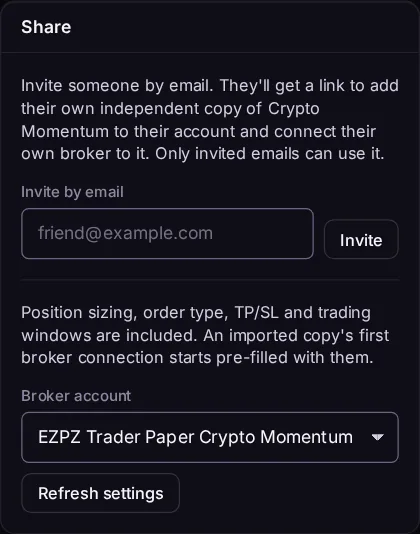
You can include your trading settings (position size, order type, take profit / stop loss and trading windows) by picking one of your subscriptions as the template. An imported copy's first subscription then starts with those settings. Your accounts, positions and webhook URL are never shared, and a copy keeps working on its own: changes you make later don't change theirs.
Notifications
A strategy's Notifications email you (and any extra addresses you add) about its signals: everything, only failed signals, or nothing. Each subscription has the same setting for its own trades. Skipped trades aren't emailed; they're shown on the signal's page.
Signals list
Each strategy has a Signals list showing every request its webhook received, including refused ones. Open a signal to see what happened on each subscription. See Troubleshooting.
↑ ↓ to move · Enter to open · Esc to close