
Account Settings
Your profile, timezone, appearance, plan, team, notifications and security settings, and what each one changes.
On this page
Settings
Open Settings from your account menu. The page has one section per topic; each saves on its own.
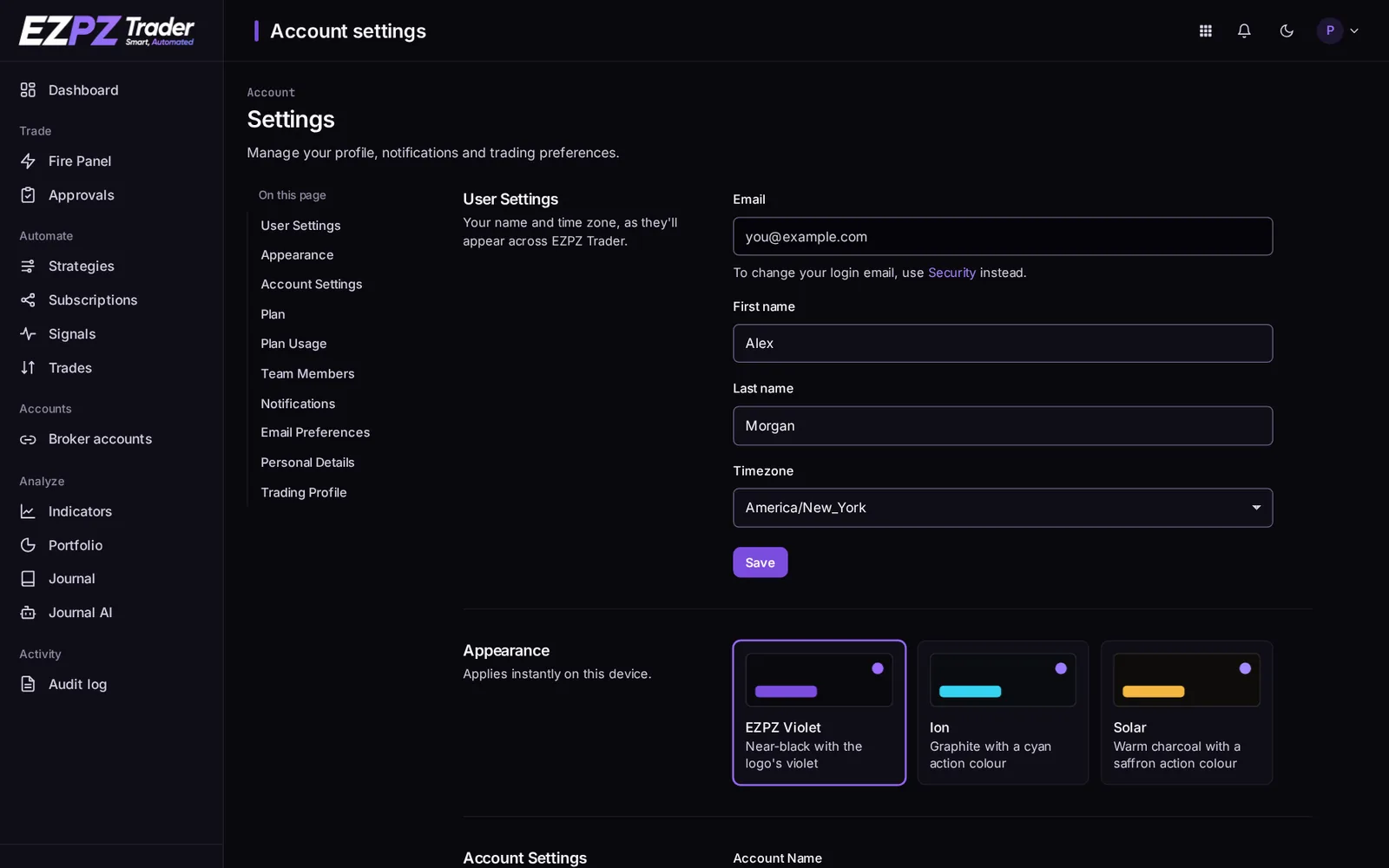
| Section | What it does |
|---|---|
| User settings | Your name and timezone. Every time in the dashboard (signals, trades, the Journal) is shown in this timezone. |
| Appearance | The colour theme: EZPZ Violet, Ion or Solar. It applies on this device only. |
| Account settings | Your account's name. |
| Plan / Plan usage | Your plan, and how much of its limits you're using (accounts, asset classes, team members). See the pricing page to compare plans. |
| Team members | Invite people and set their role. See Team Members & Security. |
| Notifications / Email preferences | Account-wide email notifications, and which product emails you get. |
| Personal details / Trading profile | About you and how you trade. It helps us tailor EZPZ Trader to you; it doesn't change how orders are placed. |
Timezone vs. trading windows
Your account timezone only changes how times are shown. A subscription's trading windows have their own timezone setting.
Security
Security (from your account menu) is where you manage your login.
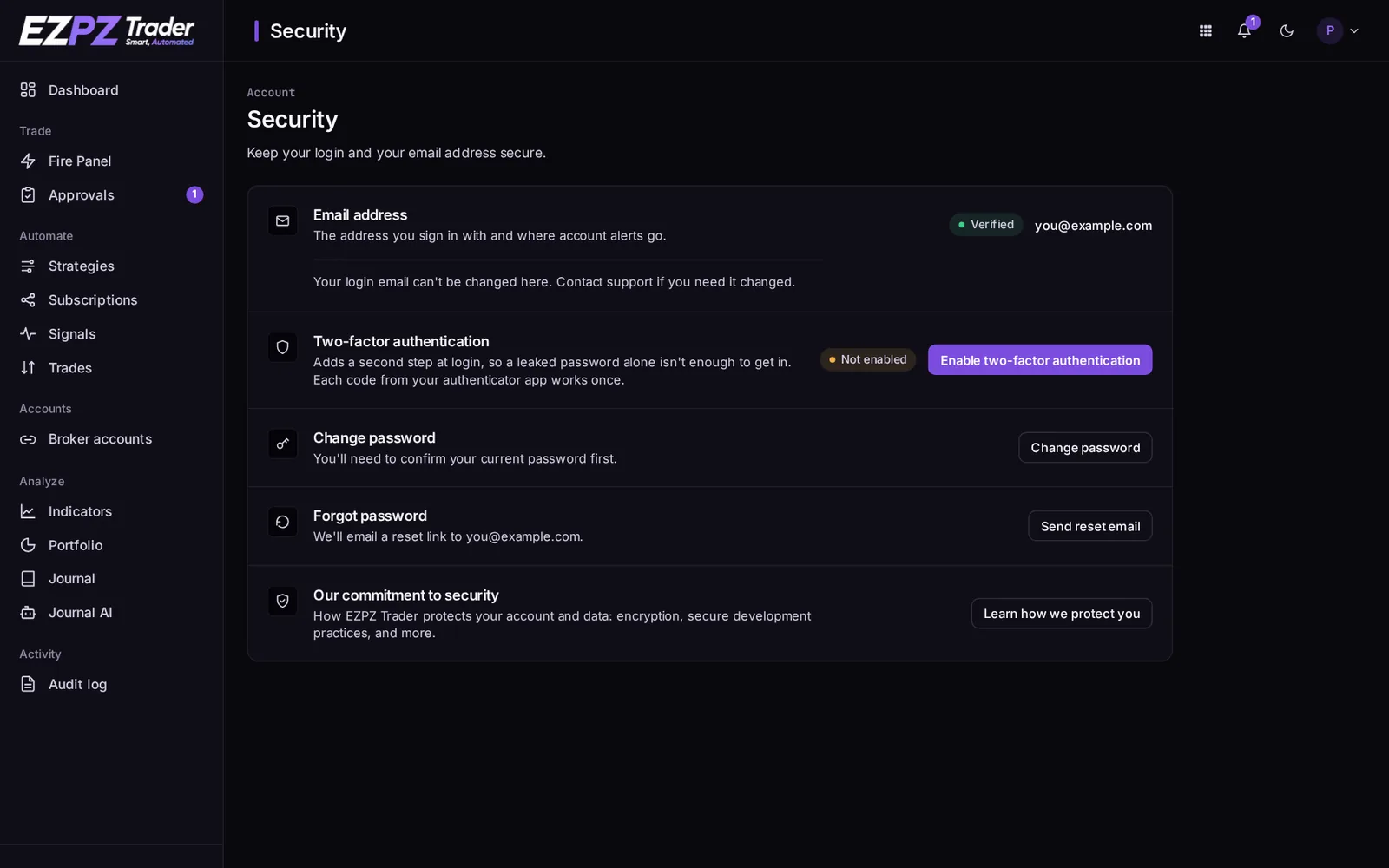
- Email address: the address you sign in with. To change it, contact support.
- Two-factor authentication: adds a code from an authenticator app at login. Strongly recommended for an account that can trade real money.
- Change password and Forgot password.
Your profile after sign-up
New accounts fill in a short profile in three steps after verifying their email. You can change those answers later in Settings.
↑ ↓ to move · Enter to open · Esc to close