
Trade Journal
Every trade is recorded with its entries, exits and P&L. Review results by strategy, account, playbook and day, and ask the AI assistant about your trading.
What's recorded
The Journal records each trade from the first entry to the last exit:
- every fill, with its price and time;
- take profit and stop loss fills detected at the broker;
- the average entry price, the exit price, and realized P&L. Options and futures P&L use the contract's multiplier;
- the strategy and subscription that opened it.
The Journal has six tabs: Overview, Trade log, Playbooks, Calendar, Reports and Portfolio.
Overview
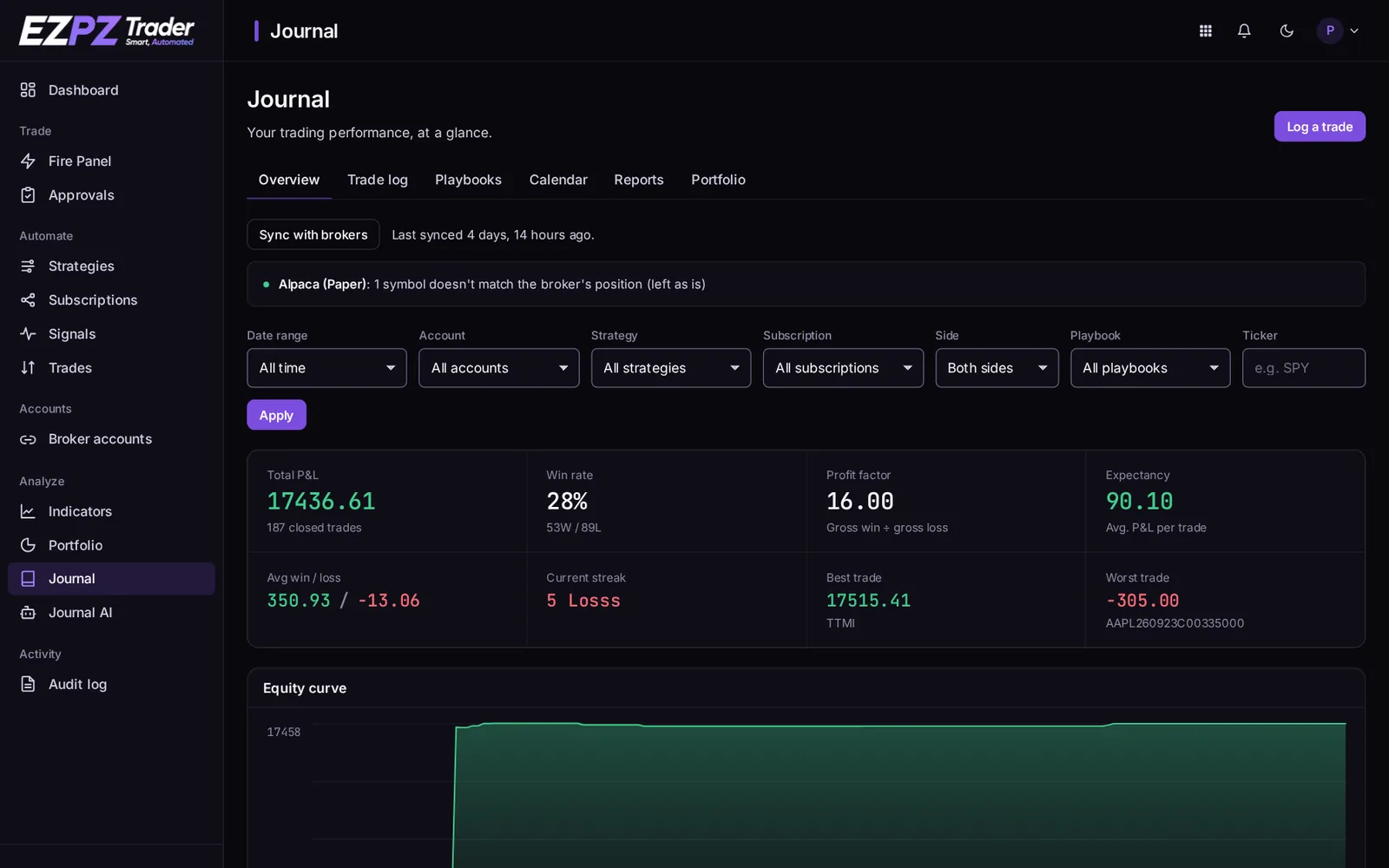
Key numbers (total P&L, win rate, profit factor, expectancy and more), your equity curve, daily P&L, trade outcomes and recent trades. Filter by date, account, strategy, subscription, side, playbook and ticker.
Trade log
Every round-trip trade in one list, entry to exit, with its strategy, account, quantity, prices, P&L and playbook. Open a trade to add notes, tags, a playbook and screenshots. Screenshots are private to your account.
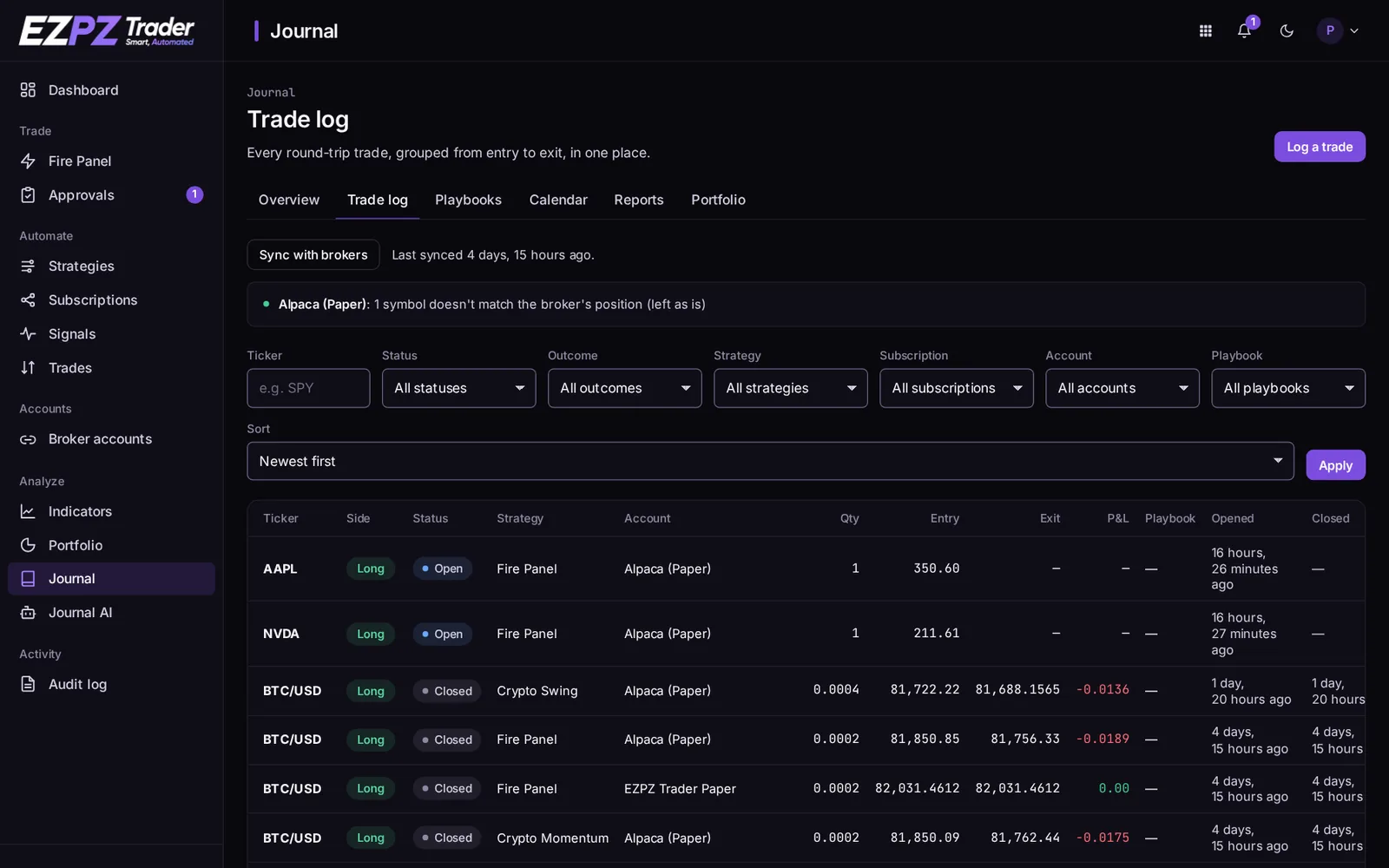
- Log a trade adds a trade by hand, for example one placed outside EZPZ Trader.
- Sync with brokers reads your brokers' fill history. It adds fills EZPZ Trader didn't see, such as a manual close in your broker's app, and imports trades you placed outside EZPZ Trader. A note appears when a symbol doesn't match the broker's position.
Playbooks
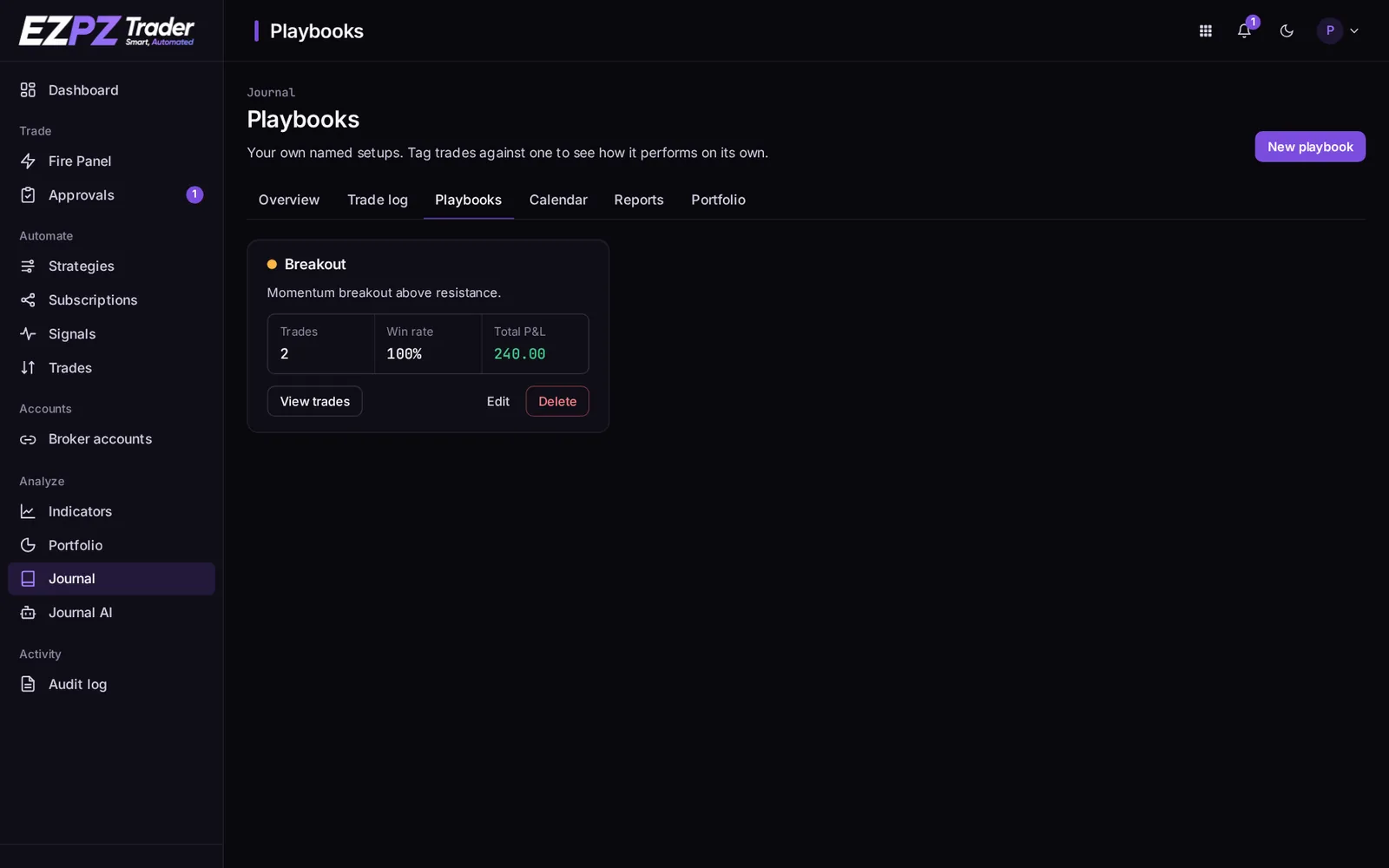
A playbook is a named setup ("Breakout", "Opening range"). Tag trades with one to see how that setup performs on its own: trades, win rate and total P&L.
Calendar
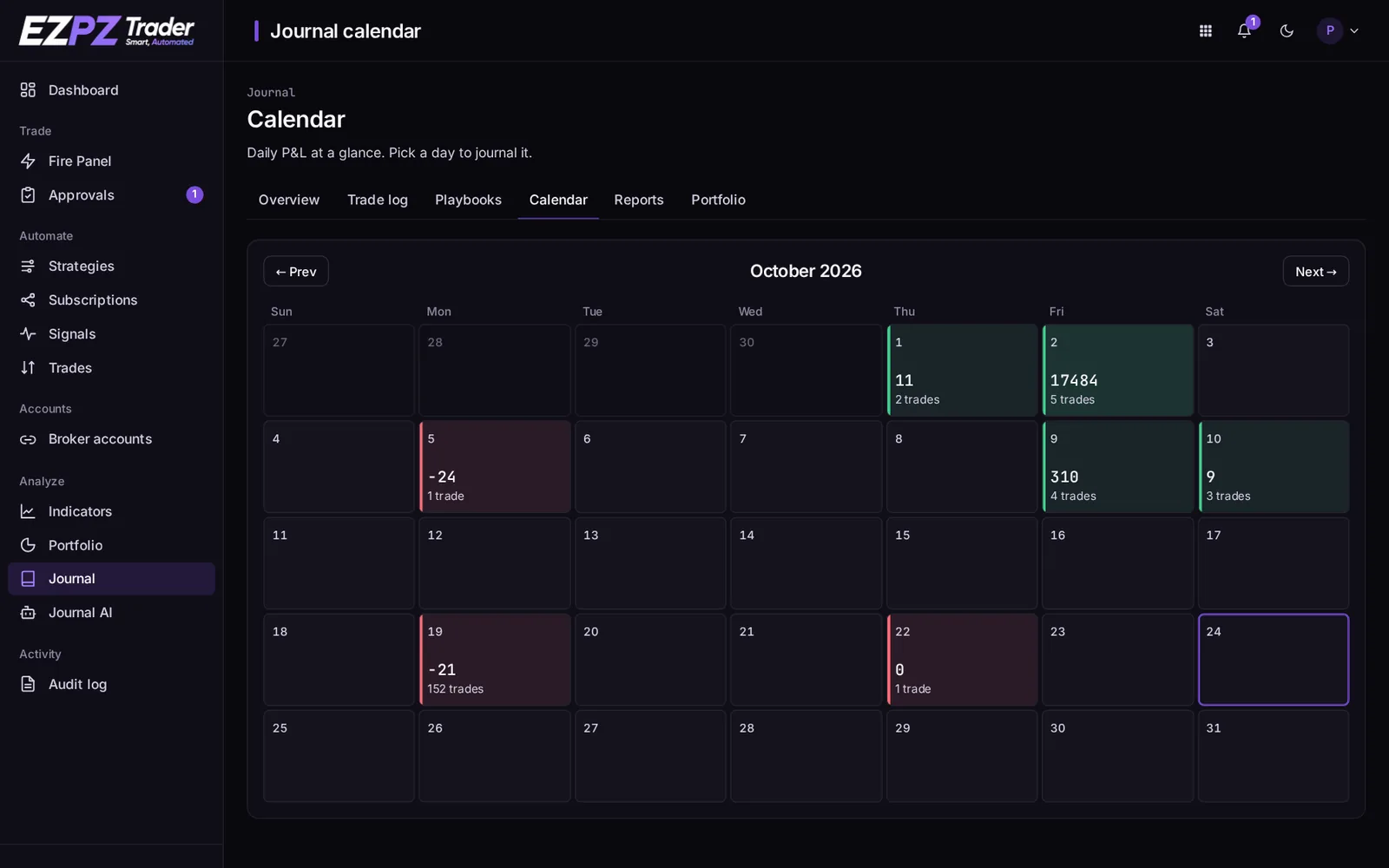
Daily P&L for the month at a glance: green days made money, red days lost. Pick a day to see its trades and write a note for that day.
Reports
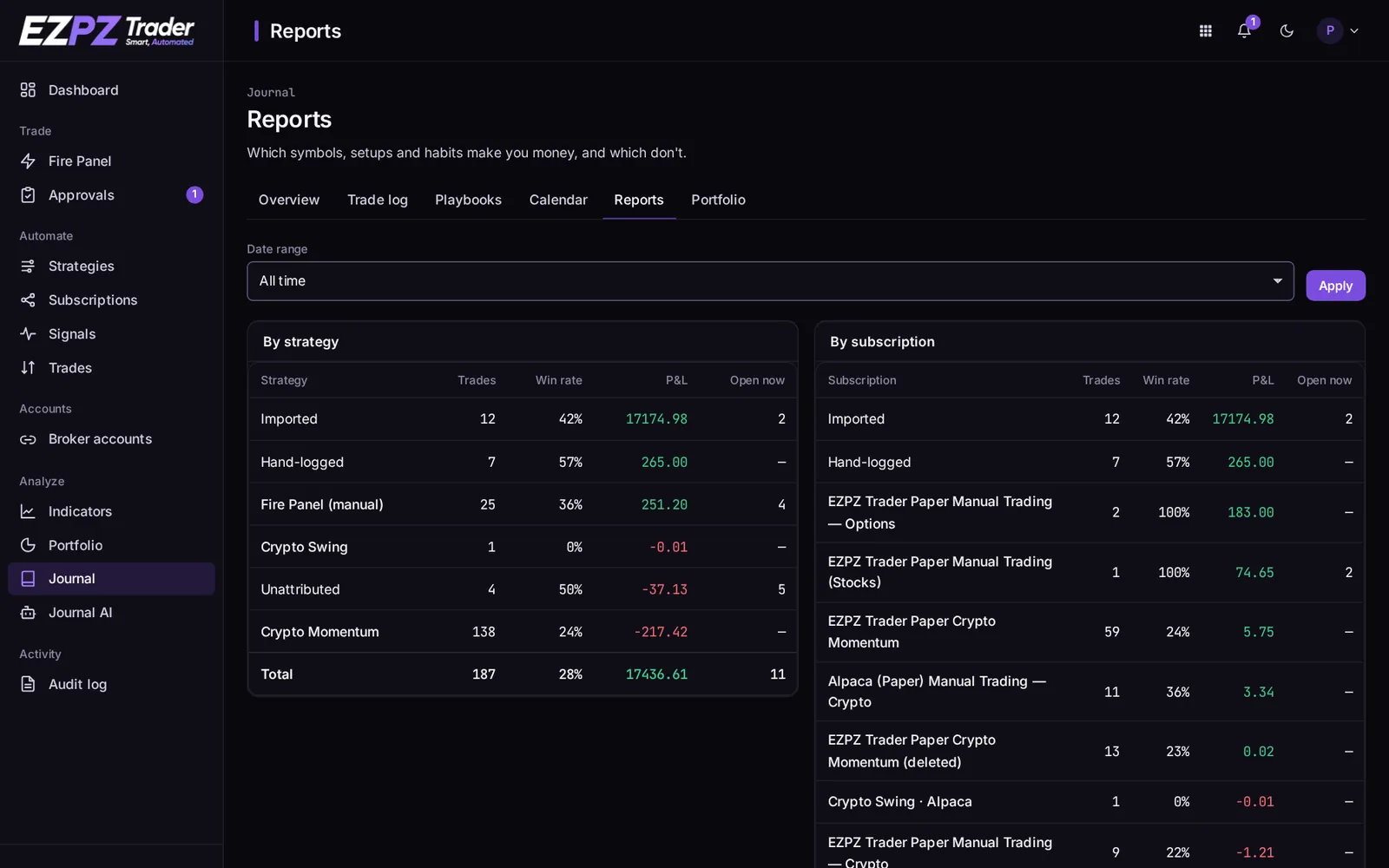
Breakdowns that show which symbols, setups and habits make you money and which don't: by strategy and subscription, by symbol, long vs. short, by day of week, by time of day, by duration, by entry price, by fills per trade, by trades per day, by tag, by playbook and by account.
Journal AI
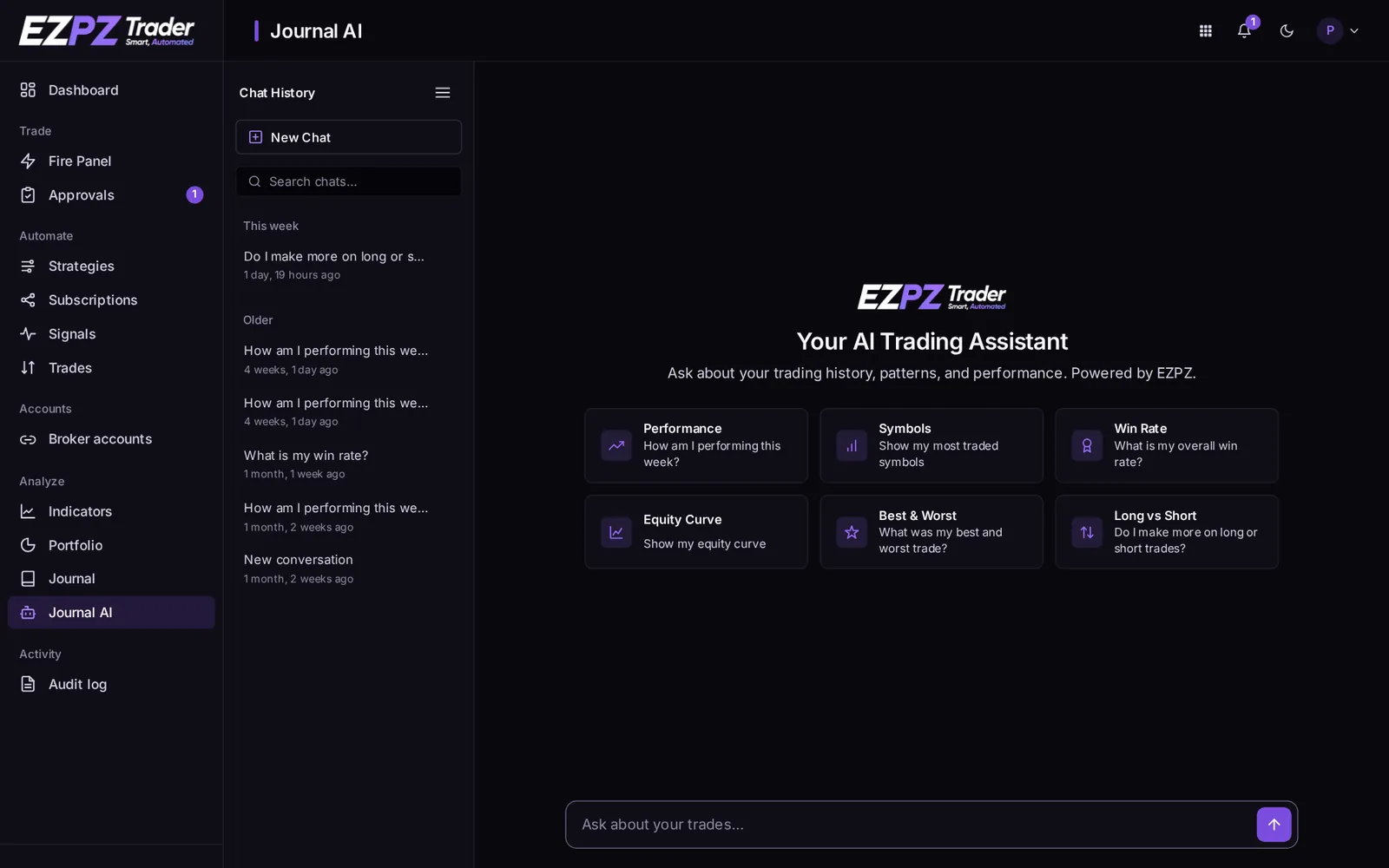
Ask questions about your trading in plain English, such as "Do I make more on longs or shorts?" or "What was my best and worst trade?". The answers use numbers worked out from your own trades, with charts where they help. Past chats are kept in Chat history.
After a reconnect
Reconnecting a broker account keeps its Journal history together: trades before and after the reconnect stay on the same account.
↑ ↓ to move · Enter to open · Esc to close